🖱 means a left mouse click (🖱🖱 a double click) and → leads to the next action.
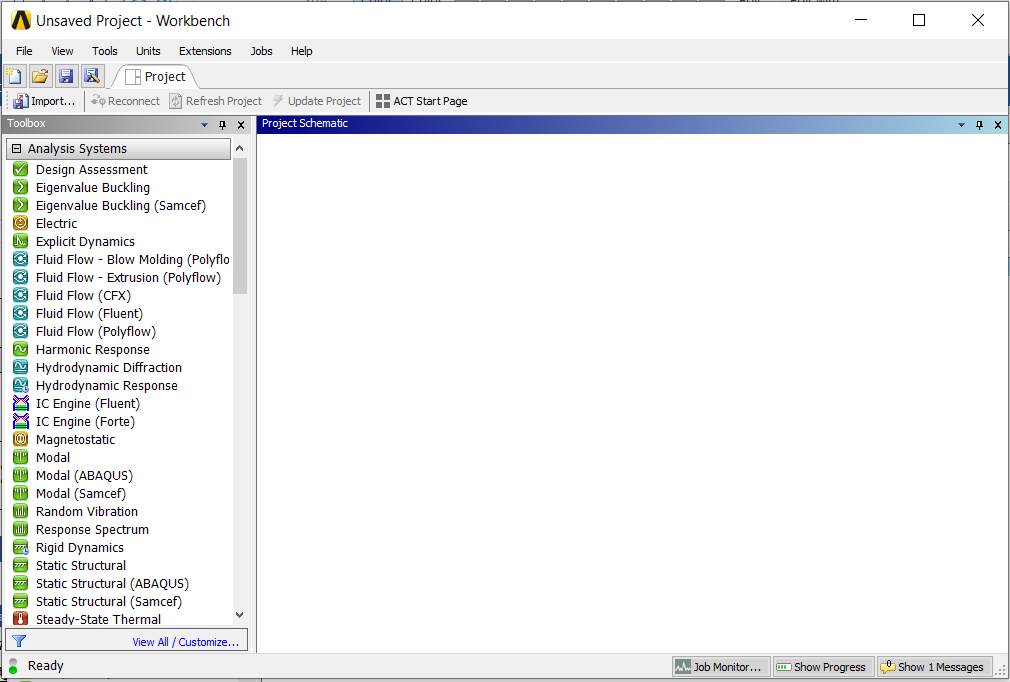
Launching the ANSYS Workbench environment
🖱  → [the window
  opens]
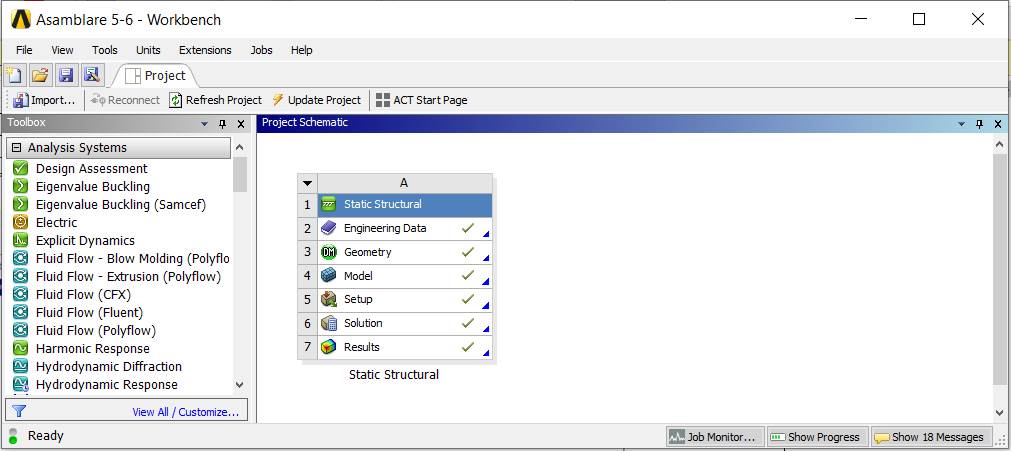
Opening a project
🖱 (
( ) → 🖱
) → 🖱
Launching the DesignModeler module
🖱🖱 → the window
  appears
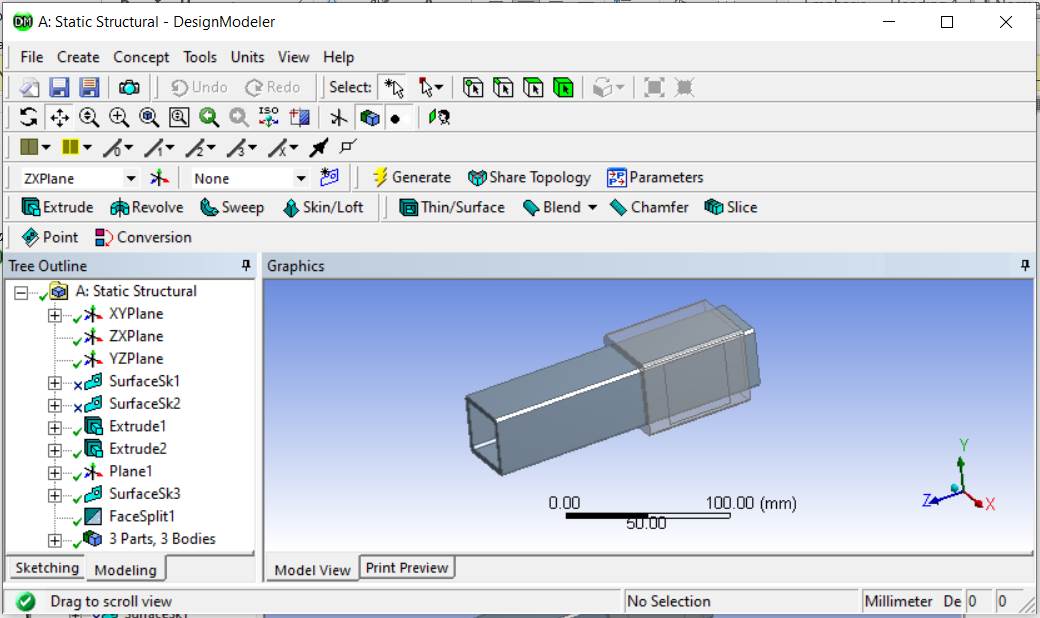
Launching the Static Structural – Mechanical [ANSYS Multiphysics] module
🖱🖱  → the window
  appears
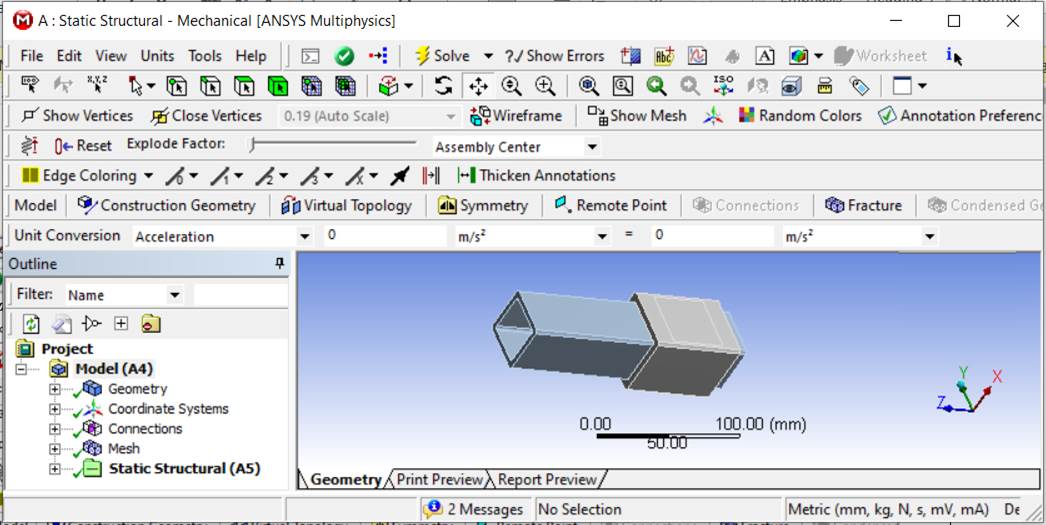
Model manipulation and display commands, colour legend
Mouse commands
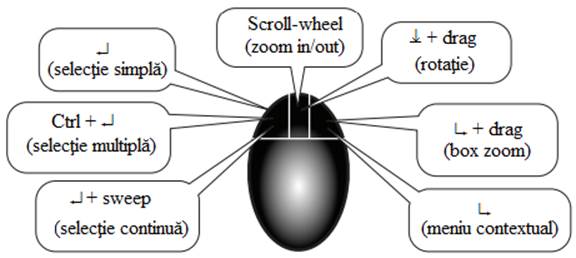
Manipulation commands

 – rotate the model;
 – pan the model;
 ,
, 
 .
.
Commands for changing the colour legend of field results
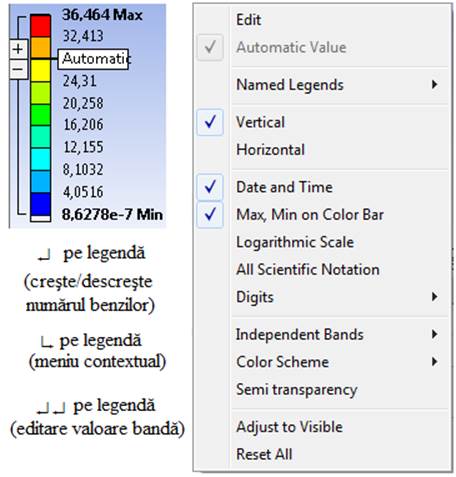
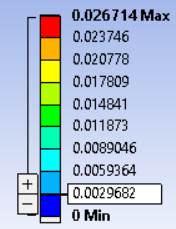
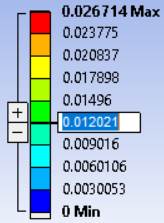
🖱+/🖱− (add/remove a colour level); 🖱🖱 [activate the box and enter the value] → Enter